
To check your Shoretel voicemail from another, offsite phone:
- Call the Main PAM (503-226-2811) or PAM CUT Phone Number (503-221-1156)
- During the voice greeting, press #
- Type your 4-digit extension (don't press #)
- Type your Password + press #
- Follow the prompts to navigate the voicemail box and/or consult the attached Voicemail Guide.
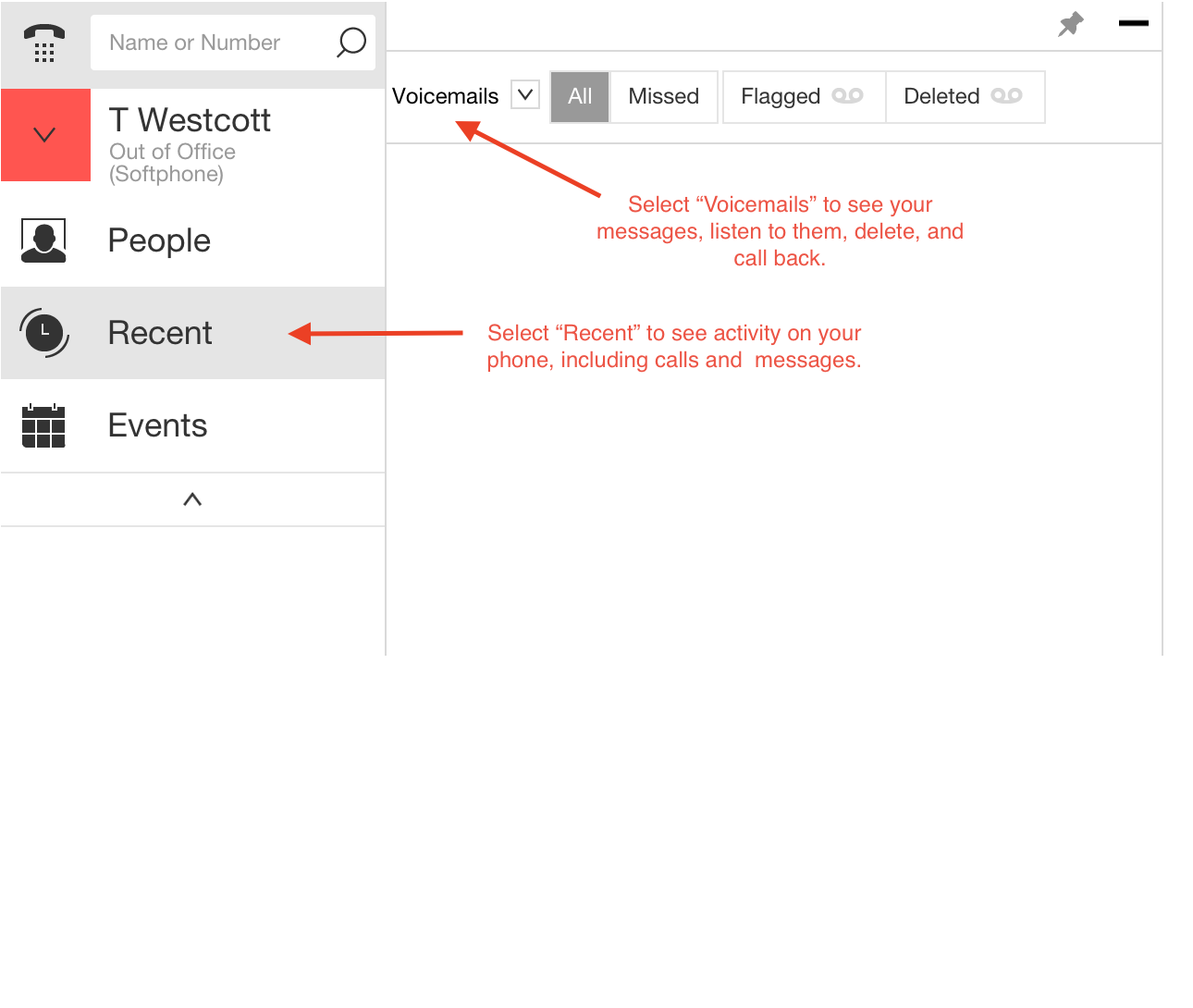
As a reminder, you can also check your Shoretel Voicemail with the "Shoretel Connect" software on either your PAM laptop, or through the LogMeIn connection to your PAM desk computer.
Comments
0 comments
Article is closed for comments.